

Currently Empty: 0,00 $
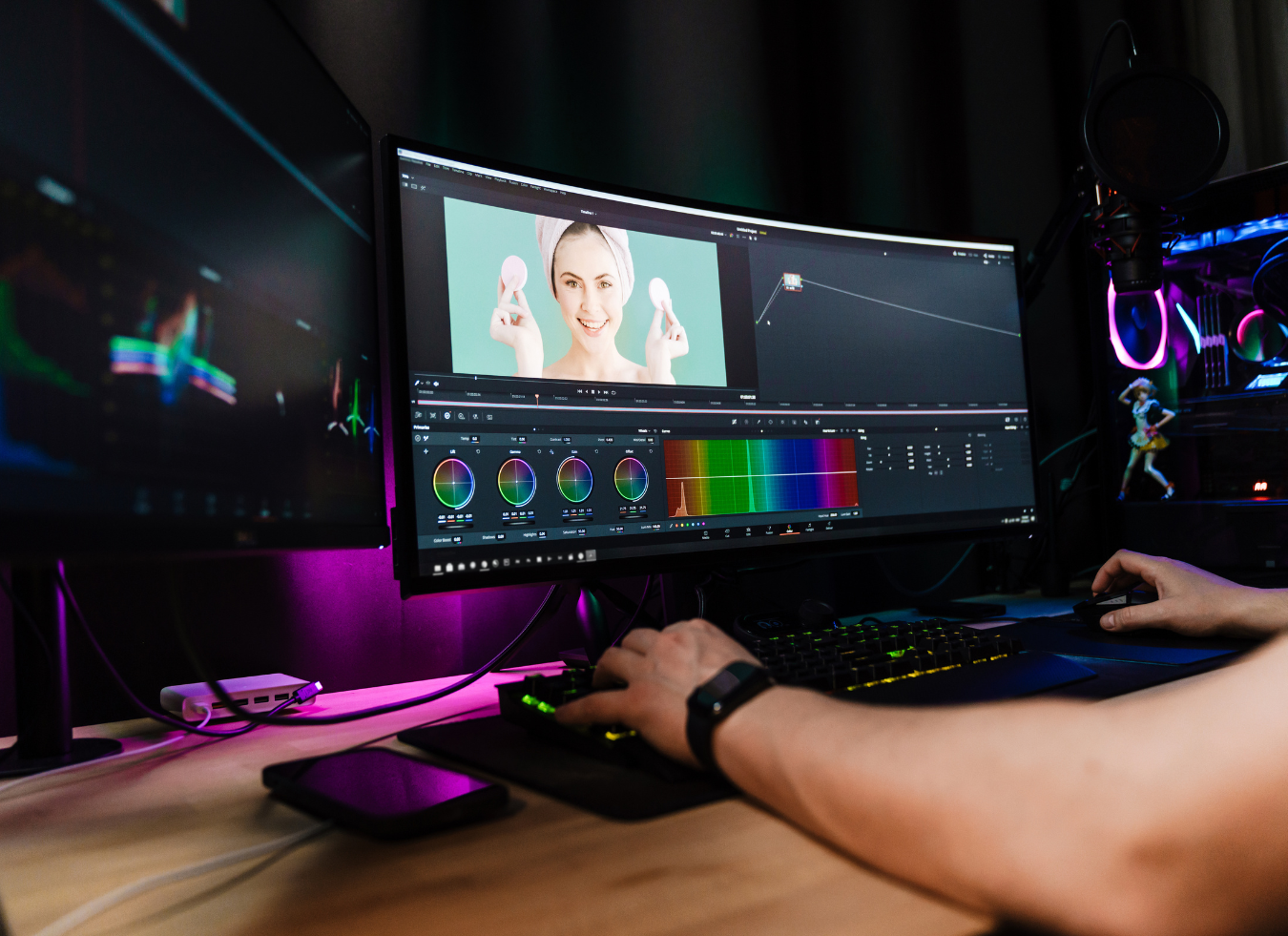
Learn what Photoshop Elements is, how it differs from Photoshop, and how it can help you enhance your photos.
Photoshop Elements is a powerful yet accessible photo editing software designed specifically for beginners and hobbyists. As a simplified version of Adobe Photoshop, it features an intuitive interface and essential tools while still providing impressive editing capabilities.
Whether you’re looking to retouch family photos, experiment with artistic effects, or learn the fundamentals of photo editing, Photoshop Elements allows you to enhance, organize, and transform your images—without the steep learning curve. Below is everything you need to know about this software and how to determine if it’s the right choice for you.
What Is Photoshop Elements?
Photoshop Elements is a streamlined photo editing program developed by Adobe that makes editing accessible to everyone. Unlike the professional version, Adobe Photoshop, this software focuses on delivering key tools for enhancing, organizing, and sharing photos without overwhelming users with complex features.
Ideal for beginners and casual users, Photoshop Elements offers an easy way to improve images or explore creative possibilities with minimal effort. Whether you’re fixing vacation pictures, arranging a growing photo collection, or designing unique projects, this software provides a straightforward platform tailored to non-professionals. Thanks to its guided edits and user-friendly interface, even those completely new to photo editing can achieve impressive results quickly.
Whether you’re looking to retouch family photos, experiment with artistic effects, or learn the fundamentals of photo editing, Photoshop Elements allows you to enhance, organize, and transform your images—without the steep learning curve. Below is everything you need to know about this software and how to determine if it’s the right choice for you.
What Is Photoshop Elements?
Photoshop Elements is a streamlined photo editing program developed by Adobe that makes editing accessible to everyone. Unlike the professional version, Adobe Photoshop, this software focuses on delivering key tools for enhancing, organizing, and sharing photos without overwhelming users with complex features.
Ideal for beginners and casual users, Photoshop Elements offers an easy way to improve images or explore creative possibilities with minimal effort. Whether you’re fixing vacation pictures, arranging a growing photo collection, or designing unique projects, this software provides a straightforward platform tailored to non-professionals. Thanks to its guided edits and user-friendly interface, even those completely new to photo editing can achieve impressive results quickly.
Key Features of Photoshop Elements
Photoshop Elements comes with a variety of tools that make photo editing simple and enjoyable for beginners and hobbyists. Below are some of its standout features:
Quick Facial Enhancements
With AI-powered tools designed for portrait editing, Photoshop Elements allows you to refine facial features effortlessly. You can brighten smiles, smooth skin, adjust head tilt, and even open closed eyes with just a few clicks—helping you create polished, natural-looking portraits.
Guided Edits for Step-by-Step Learning
One of the software’s most useful features is its guided edits, which walk you through different editing techniques. Whether you need to crop images, resize photos, add text, or adjust contrast, the step-by-step instructions make it easy to complete these tasks. The software also includes fun effects like motion blur, peek-through overlays, and artistic filters that transform your photos into digital paintings.
Filters and Artistic Effects
Photoshop Elements offers a variety of creative filters that allow you to enhance your images instantly. With a single click, you can apply effects such as film grain, brush strokes, and blurring, or experiment with artistic filters inspired by watercolor painting, pastel chalk, and neon lights.
One-Click Subject Selection
The one-click subject selection tool makes isolating people or objects in your photos effortless. Using Adobe’s Sensei AI technology, the software automatically detects and highlights subjects, making editing faster and easier. You can also use this tool to select and edit the background or sky separately.
Object Removal
Unwanted objects in your photos? The AI-powered object removal tool allows you to erase distractions—like a passerby in the background or an unwanted element in the scene—ensuring a cleaner, more professional-looking image.
Easy Color Adjustments
Want to change the color of an object in your image? The Change Object Color tool lets you quickly modify the color of clothing, buildings, or backgrounds with just a few clicks.
Photo Organization and Tagging
Keeping track of your images is simple with Photoshop Elements’ organization features. You can sort photos by date, location, event, or subject and use the automated Smart Tag system, which categorizes images based on people, places, and objects—saving you time when searching for specific photos.
Pre-Designed Templates
The software includes a variety of customizable templates for creating collages, slideshows, and social media graphics. Whether you’re preparing an Instagram post, designing a digital album, or making a family photo montage, these templates allow you to create visually appealing projects in minutes.
How Much Does Photoshop Elements Cost?
One of the most attractive aspects of Photoshop Elements is its simple pricing structure.
Unlike Adobe Photoshop, which requires a subscription as part of Adobe Creative Cloud, Photoshop Elements is available for a one-time purchase. When you buy it, you receive a three-year license, allowing you to use the software without additional monthly or yearly fees.
Each year, Adobe releases a new version of Photoshop Elements, and while existing users can upgrade for an additional cost, upgrades are optional.
This straightforward pricing model makes Photoshop Elements a budget-friendly choice for beginners and casual users who want professional-quality photo editing tools without committing to a subscription.
For more advanced users who prefer not to pay ongoing fees, the one-time purchase model of Photoshop Elements may also be an appealing alternative.
Photoshop Elements vs. Adobe Photoshop
Both Photoshop Elements and Adobe Photoshop are powerful tools from Adobe, but they cater to different users and offer distinct features.
Complexity and Learning Curve
Photoshop Elements is designed for simplicity, making it ideal for beginners and hobbyists. Its intuitive interface eliminates confusion, and the built-in guided edits help users navigate common editing tasks step by step.
Adobe Photoshop, in contrast, is a professional-grade program with a steeper learning curve. It provides an extensive range of features tailored for photographers, graphic designers, and digital artists. However, its advanced functionality can feel overwhelming for newcomers.
Feature Comparison
Photoshop Elements includes essential tools like quick touch-ups, fun effects, basic color adjustments, and one-click edits. It’s perfect for everyday photo enhancement, creative projects, and organizing personal image collections.
Adobe Photoshop, on the other hand, offers advanced tools for high-end retouching, compositing, 3D design, and digital painting. Professionals rely on it for complex projects such as creating advertisements, detailed image manipulations, and graphic design work.
Pricing Model
Photoshop Elements is a one-time purchase with a three-year license, making it a cost-effective option that doesn’t require a recurring subscription.
Adobe Photoshop is available only through a subscription to Adobe Creative Cloud. While this provides access to regular updates and additional tools, the ongoing cost can add up over time.
System Requirements and Installation
Photoshop Elements is optimized to run on most modern computers and has modest system requirements, making installation and setup easy.
Adobe Photoshop, however, is a resource-intensive application with higher system demands. It often requires a dedicated graphics card (GPU) and may not perform well on older machines.
Pros and Cons of Photoshop Elements
Pros:
✔ Beginner-friendly interface
✔ Step-by-step guided edits
✔ Affordable, one-time purchase
✔ Creative filters and effects
✔ Easy photo organization tools
✔ AI-powered quick edits
✔ Works on most computers
Cons:
✖ Lacks advanced professional features (e.g., 3D design, RAW editing)
✖ Annual software updates (optional but require additional payment)
✖ Limited license duration (not lifetime ownership)
✖ Not ideal for professional graphic designers and photographers
✖ Fewer customization options compared to Adobe Photoshop
✖ Limited cloud storage (only 2GB included)
Who Should Use Photoshop Elements?
This software is ideal for individuals who want to enhance their photos with ease without needing advanced, professional-grade tools.
Best for:
✔ Beginners learning photo editing basics
✔ Casual users who want simple and fun effects
✔ Social media enthusiasts creating engaging visuals
✔ Families organizing and improving personal photos
✔ Budget-conscious users avoiding subscriptions
✔ Non-professionals who don’t need complex tools
Conclusion
Photoshop Elements is an excellent starting point for anyone new to photo editing. With its intuitive interface, guided edits, and AI-powered tools, it offers an easy and enjoyable way to enhance, organize, and creatively transform photos.
Whether you’re fixing imperfections, creating stylish designs, or managing a photo collection, Photoshop Elements provides an affordable and user-friendly editing experience.